
Pre-requisite : Virtual Box + Linux (RedHat or Ubuntu)
See previous Post : Install VirtualBox
Sources:
K3S official page : https://k3s.io/
Hardware Requirements
| Node | CPU | RAM |
|---|---|---|
| Server | 2 cores | 2 GB |
| Agent | 1 core | 512 MB |
Server sizing guide:
| Server CPU | Server RAM | Number of Agents |
|---|---|---|
| 2 | 4 GB | 0-350 |
| 4 | 8 GB | 351-900 |
| 8 | 16 GB | 901-1800 |
| 16+ | 32 GB | 1800+ |
Step 1: Disable the SWAP Disk space on your machine
A requirement to install K3S
Step 2: it is recommended to turn off linux firewall(for home use):
systemctl stop firewalld
systemctl disable firewalld --now
Now, let’s disable the SELinux configuration.
Open the following file /etc/selinux/config in your favorite editor:
Set the value for SELINUX
SELINUX=disabled
Save and exit
If you wish to keep firewalld enabled, by default, the following rules are required:
firewall-cmd --permanent --add-port=6443/tcp #apiserver
firewall-cmd --permanent --zone=trusted --add-source=10.42.0.0/16 #pods
firewall-cmd --permanent --zone=trusted --add-source=10.43.0.0/16 #services
firewall-cmd --reload
Step 3: update the system using the command:
dnf -y upgrade
dnf -y update
Step 4: Setup the hostname
Set a valid hostname inside the file /etc/hosts
For example I used hostname "vmbox1"

Step 5: Install K3S
Now run the K3s installer script:
curl -sfL https://get.k3s.io | sh
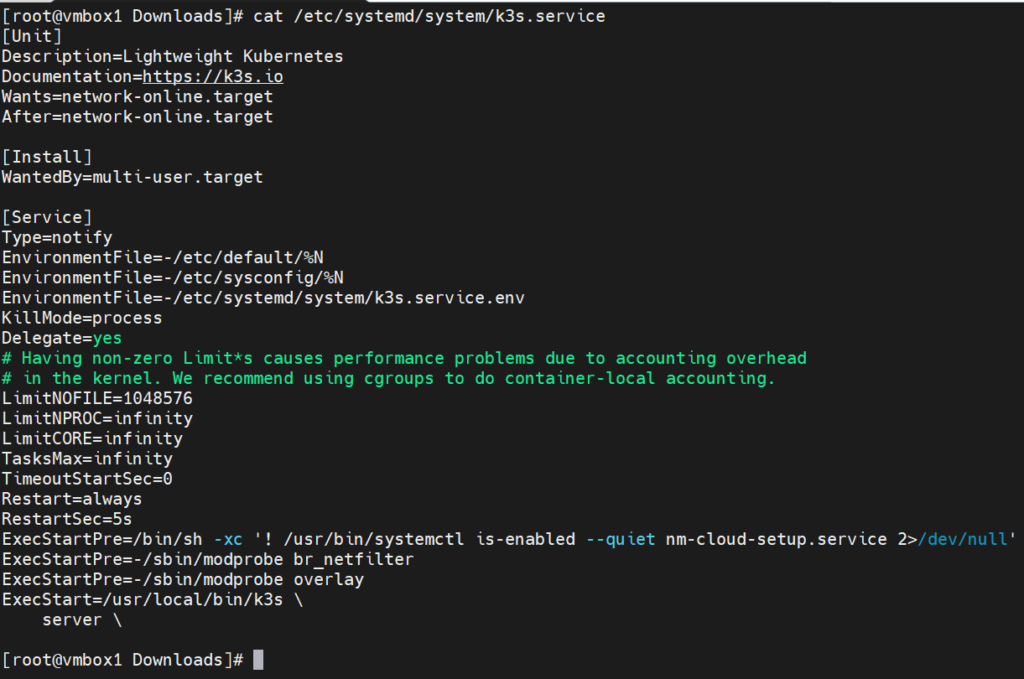
Verify K3S service
cat /etc/systemd/system/k3s.service
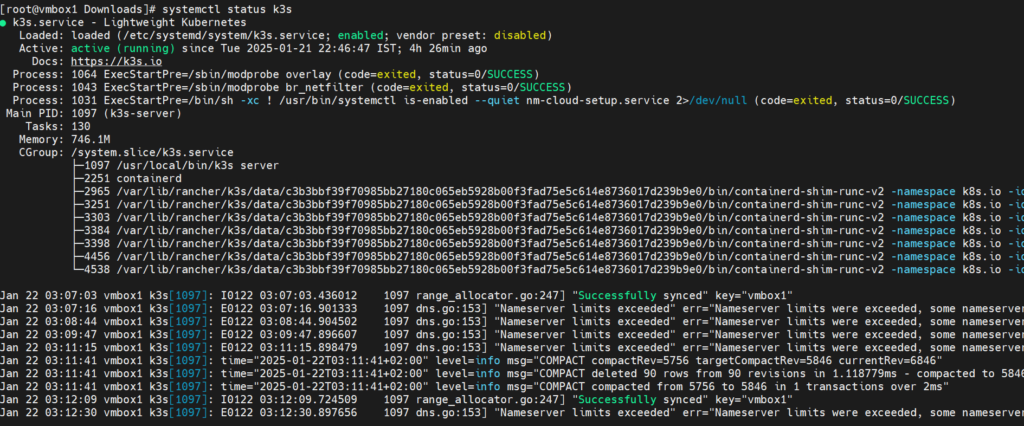
check current status
systemctl status k3s